 Gloss
Gloss Support
Gloss is a reading app where friends share notes on books.
Need help? Email us at team.gloss.books@gmail.com. We usually reply within 1–2 days. To report harmful content, a person or a group, please use Report in the app. You can also report illegal content by email, even without the app. Reports are reviewed within 24 hours.
Frequently asked questions
How do I add a book?
Tap + on the Books tab and choose an EPUB file, or open an EPUB from the Files app, Mail or another app and choose Gloss. Gloss doesn't sell books: you can use EPUB files you own, for example from DRM-free shops or free public-domain libraries such as Standard Ebooks and Project Gutenberg. Books protected with DRM can't be opened.
A book says "Not on this device". What does that mean?
Your library syncs across your devices, but the book files themselves stay on the device where you added them. To read the book on another device, add the same EPUB file there and it links to your existing book, with your progress and notes.
How do I share notes with a friend?
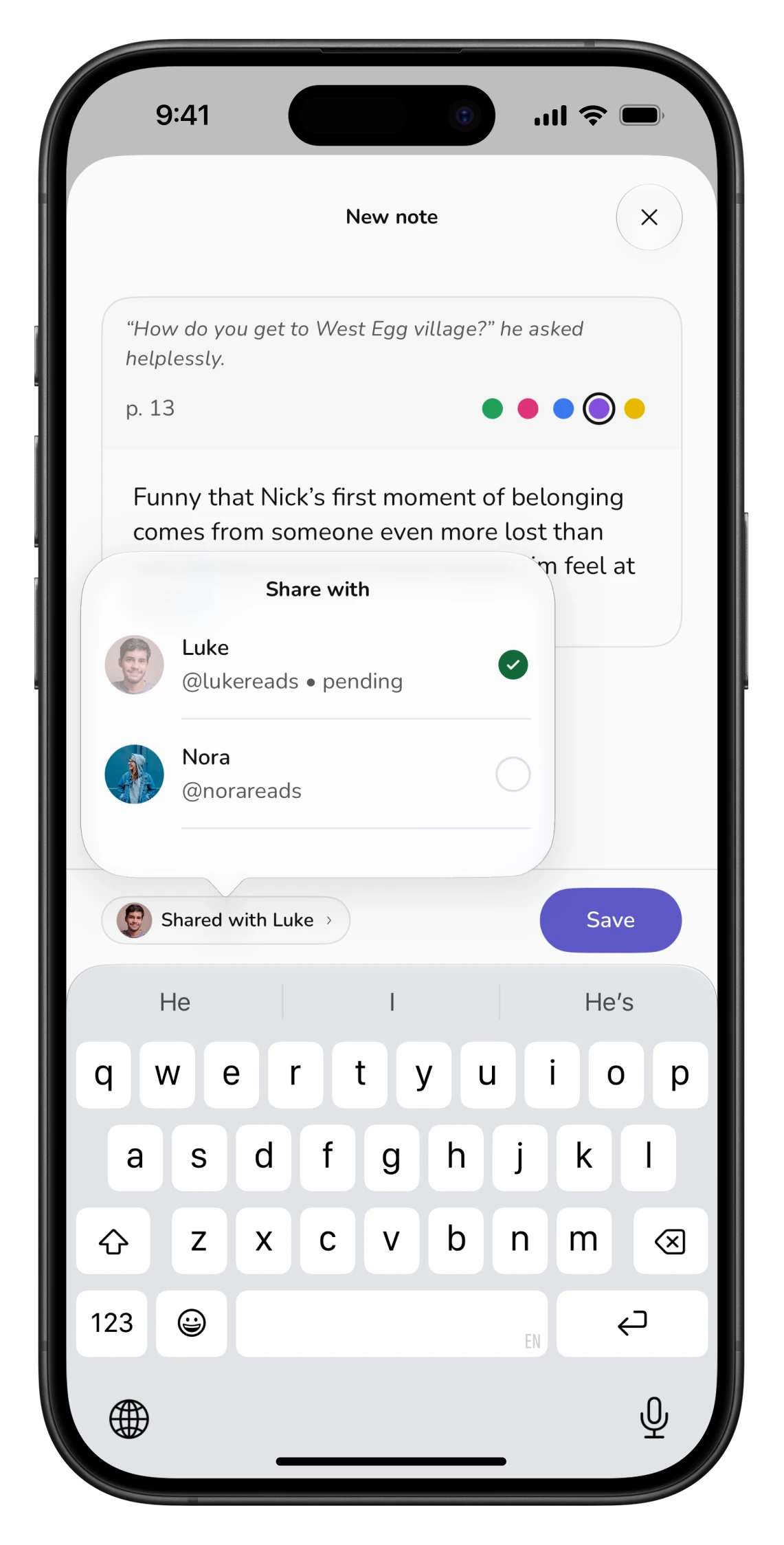
Add your friend on the Friends & groups tab. Then, in a note, tap the sharing button and choose who to share it with. To share every new note in a book automatically, open the book's menu and choose Sharing. Your friend gets a notification and adds the notes to their own copy of the book.
How do groups work?
A group is a quick way to share notes with several friends at once, with a group chat under each note. On the Friends & groups tab, tap the create-group button next to the search field, pick at least two friends and give the group a name. Everyone you pick gets an invite and joins from their notifications. A group can have 3 to 10 people. When you share a note, tick the group to send it to everyone in it.
Do people in my group need to be friends with each other?
No. You can only invite your own friends, but members don't have to be friends with each other. Everyone in the group can see notes shared to the group and its chat. Private replies are only between friends.
What happens when I leave a group?
Open the group, go to Settings and tap Leave group. Notes you got through the group stay with you if the person who shared them is your friend, and are removed if not. If fewer than three people are left, the group is deleted.
Why are some of my friend's notes locked?
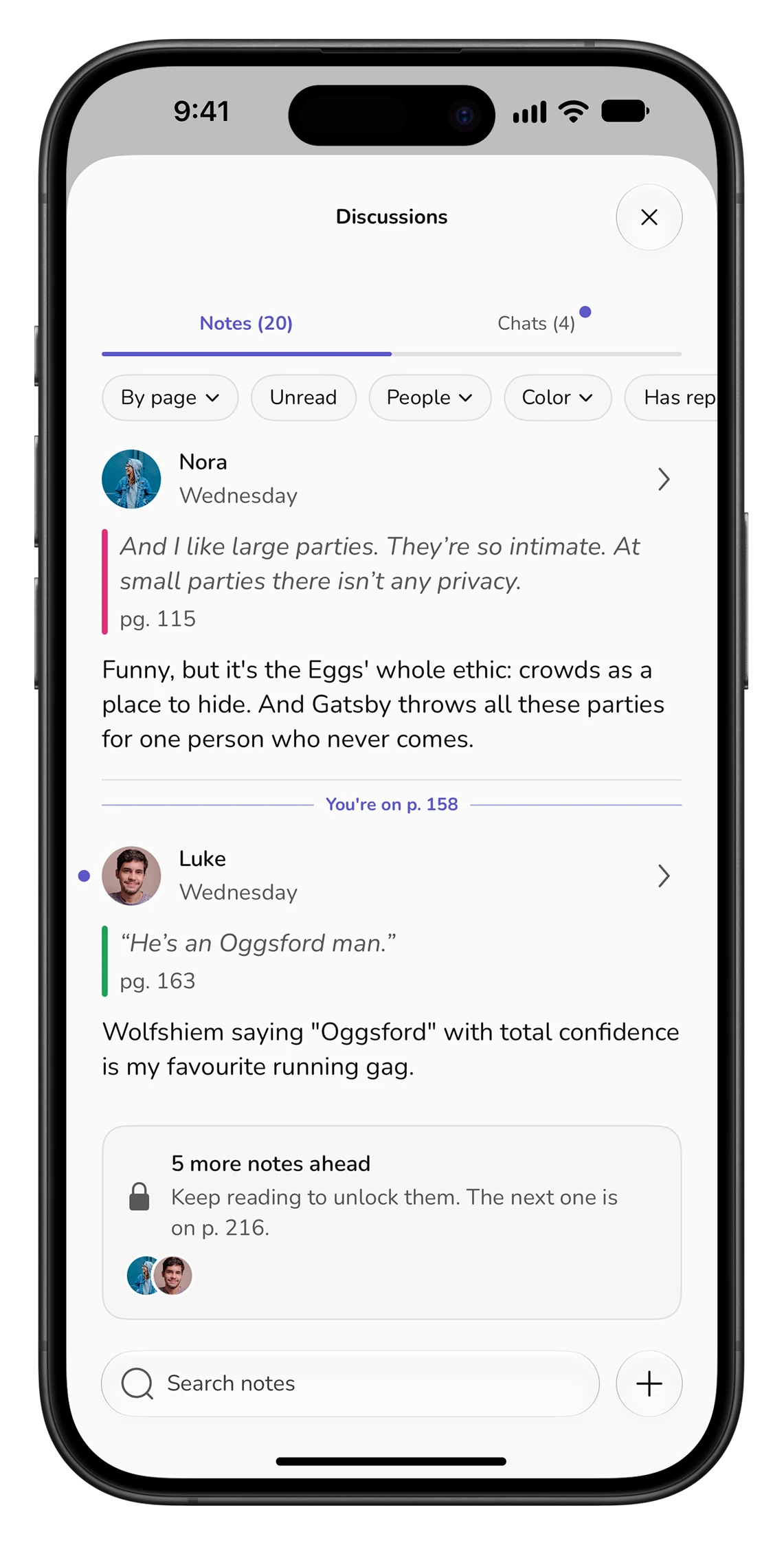
Friends' notes unlock as you read, so nobody spoils what comes next. A note becomes visible once you reach the page it's on.
Who can see my notes and replies?
Only you, unless you share them. Shared notes are visible to the friends you chose, or to everyone in a group you share them to. A private conversation on a note is visible only to you and that one person; a group chat is visible to everyone in the group.
Can I use Gloss offline?
Yes. Reading, notes, highlights and progress work offline and sync when you're back online. Replies you write offline in an existing conversation are sent automatically when you reconnect.
How do I report or block someone?
- Report a note: open the note, tap its title at the top, then Report note.
- Report a message: long-press the message (in a private or group chat), then Report.
- Report a group: open the group, go to Settings, then Report group.
- Report or block a person: Friends & groups tab → ⋯ next to their name → Report or Block. Blocking also applies inside groups you share.
- Unblock: Profile → Blocked users.
How do I delete my account?
In the app, go to Profile → Delete account. This permanently deletes your account and the data linked to it, including notes you shared with friends or groups, and you leave every group you are in. Book files on your device are not affected; delete the app to remove them.